Alphactor on Mobile: Full Analysis Power in Your Pocket
How Alphactor's mobile experience delivers portfolio monitoring, strategy signals, alerts, and stock analysis from your phone.
 Marcus Chen4 min read
Desktop Power, Mobile Convenience
The desktop version of Alphactor is where you build strategies, run backtests, and configure portfolios. But markets do not wait for you to sit down at a desk. Earnings reports drop during your commute. A sector rotation starts while you are at lunch. A strategy signal fires at 9:32 AM and you need to see it immediately.
Alphactor's mobile experience is built for these moments. It is not a stripped-down companion app that shows you a price chart and nothing else. The full platform, including portfolio dashboard, strategy signals, the universe scanner, charts, fundamentals, and the AI Copilot, is accessible from your phone through a responsive interface designed for smaller screens.
What You Can Do on Mobile
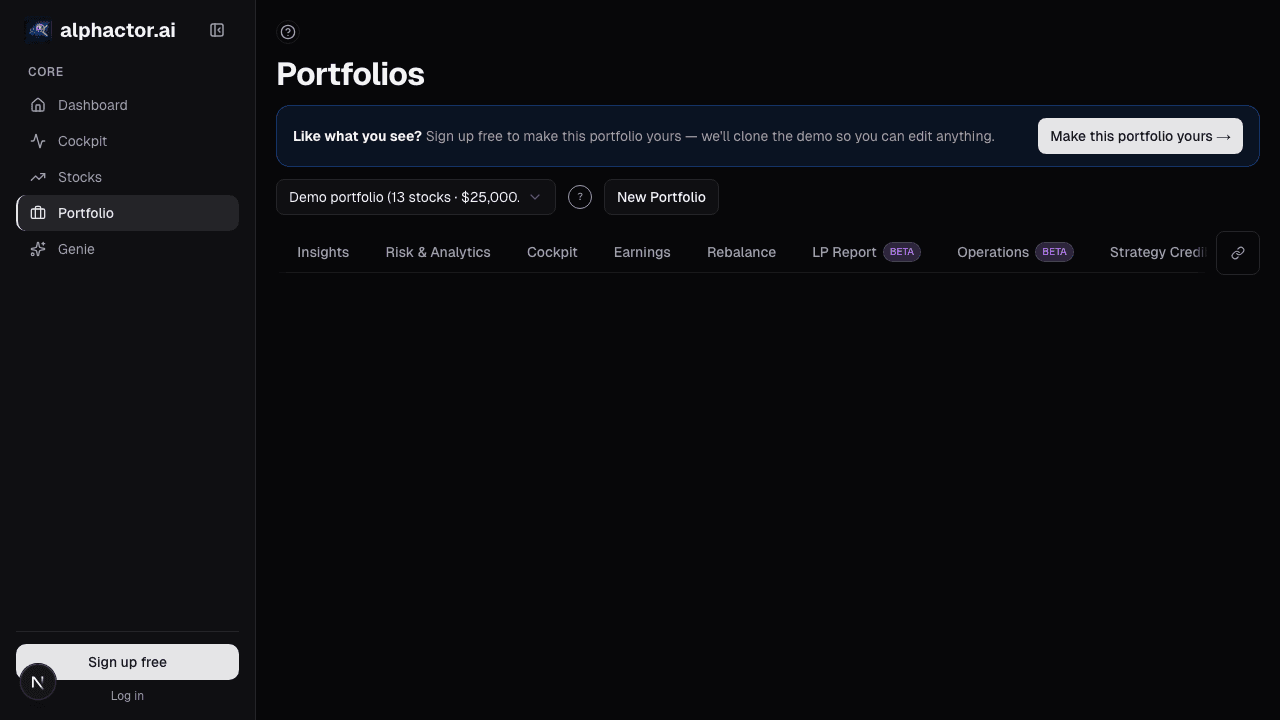
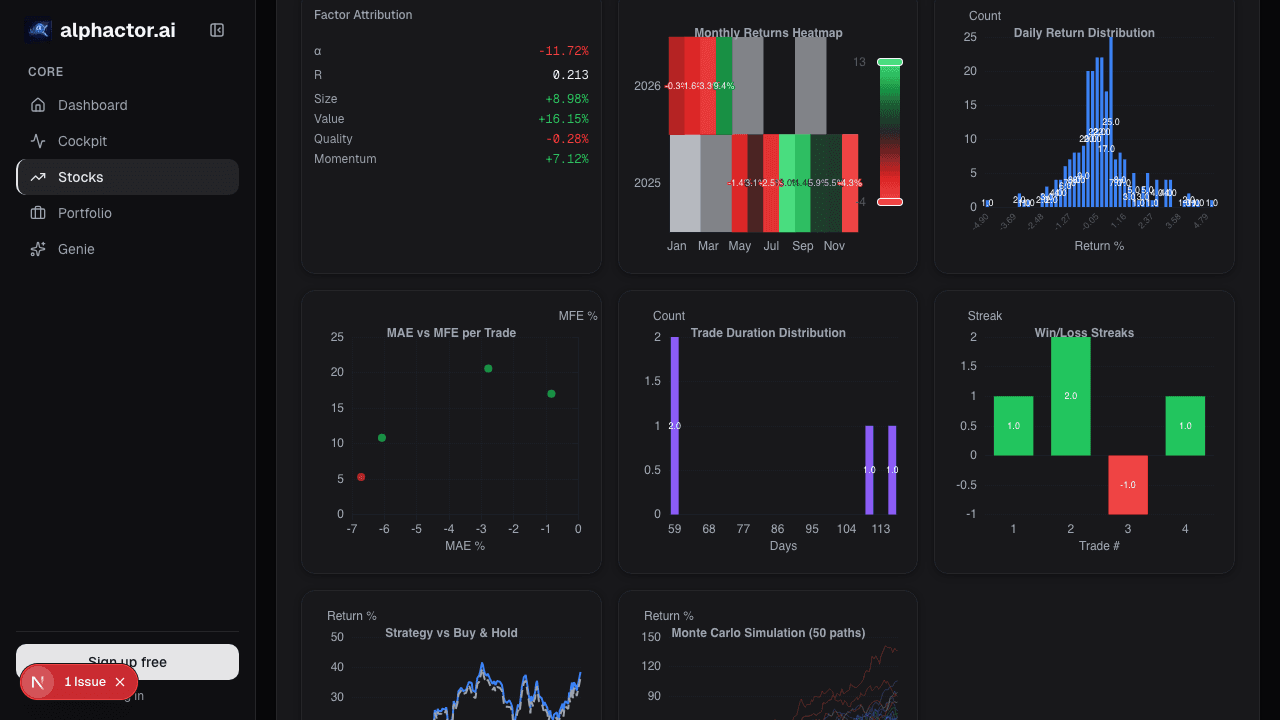
Check portfolio performance. Open the app and your portfolio dashboard shows current positions, daily P&L, and aggregate metrics. The stress test results and risk analytics you ran on desktop are available here too. You do not need to recompute anything; the results are stored and accessible across devices.
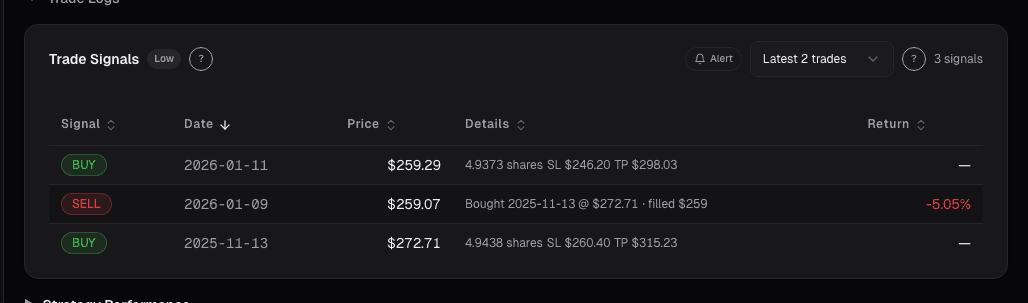
Review strategy signals. The Universe Scanner works on mobile with the same filtering and sorting capabilities. If a Buy signal fired on one of your tracked tickers, you see it in the scanner with the full context: credibility tier, strategy score, entry price, take profit and stop loss levels. The signal cards are formatted for touch interaction, with expandable rows that show strategy metadata.
Respond to alerts. Alphactor's trade alerts system sends notifications when signals change, price levels are hit, or earnings dates approach. On mobile, tapping a notification takes you directly to the relevant stock page. From there, you can check the chart, review fundamentals, or open the strategy detail. The path from notification to informed decision is two taps.
Use the AI Copilot. The Copilot drawer opens on mobile with the same natural language interface. Ask a question about your portfolio or a specific stock and get a data-backed answer without navigating through multiple pages.
Browse the Marketplace. The Marketplace grid adapts to single-column layout on smaller screens, with strategy cards showing all key metrics. You can sort, filter, and adopt strategies directly from your phone.
The Mobile Navigation
The bottom navigation bar provides quick access to the most-used sections: Home, Universe Scanner, Portfolio, and more. This persistent nav means you are never more than one tap from any major section. The layout prioritizes vertical scrolling and touch-friendly tap targets, avoiding the tiny buttons and dense tables that plague many financial apps on mobile.
Charts are fully interactive on touch screens. Pinch to zoom, drag to pan, and tap data points to see values. The charting library is the same one used on desktop, rendered responsively so you do not lose functionality when the screen gets smaller.
Workflows That Shine on Mobile
The commute check. You have 15 minutes on the train. Open Alphactor, glance at portfolio P&L, check for new signals in the Universe Scanner, and review any fired alerts. You are fully up to speed before you reach the office.
The earnings reaction. A company in your portfolio reports earnings after market close. You get a notification. You open the fundamentals page on your phone, check the numbers against estimates, and ask the Copilot for context. You decide whether to adjust your position before the next trading day, all from your phone.
The weekend review. Saturday morning. You open the Leaderboard to see who performed best over the last 30 days. You browse their published strategies, find one on a ticker you have been watching, and adopt it. When the market opens Monday, that strategy is already in your account and generating signals.
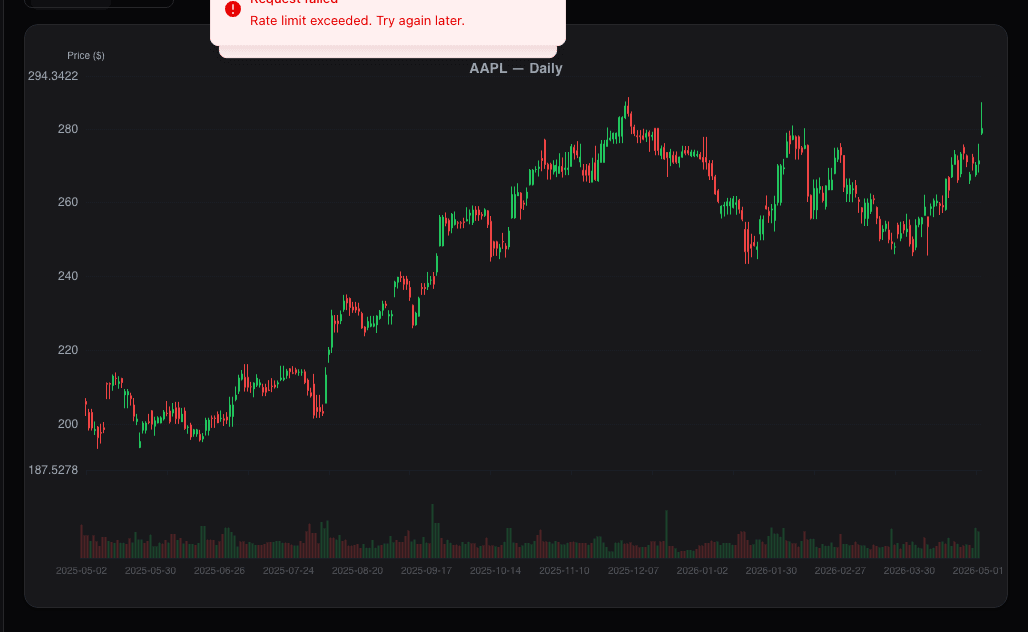
The quick research. A friend mentions a stock at dinner. You pull out your phone, type the ticker into Alphactor, and within 30 seconds you are looking at the chart, P/E ratio, revenue growth, and whether any strategies have a Buy signal on it. You have a data-informed opinion before the conversation moves on.
What Makes Mobile Different from a Brokerage App
Most brokerage mobile apps focus on order execution: check a price, place a trade, see your balance. Alphactor's mobile experience focuses on analysis and decision support. The question is not "how do I place this trade" but "should I place this trade." Strategy signals, credibility scores, portfolio risk analytics, and the AI Copilot all exist to help you make better decisions, whether you are at your desk or on the move.
This distinction matters because the most expensive trading mistakes happen when you act without sufficient analysis. Having the full analytical toolkit accessible from your phone means you do not have to choose between speed and rigor.
Syncing Across Devices
Everything syncs automatically. A portfolio you create on desktop appears on mobile. A strategy you adopt from the Marketplace on your phone is available on desktop. Alerts configured on one device fire on all of them. There is no import, export, or manual sync step. Your account is your account, regardless of which screen you are using.
This means your mobile session is always current. When you run a backtest on desktop at night and check the results on your phone the next morning, the credibility score, equity curve, and all simulation data are already there.
See it in the app
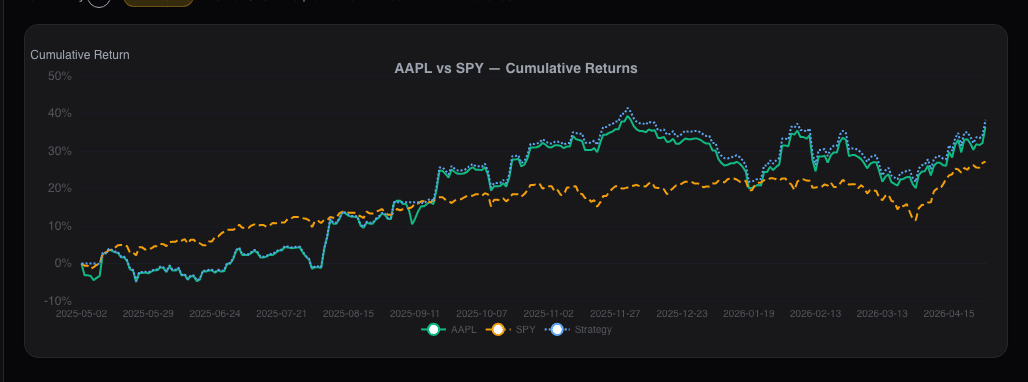
Live dashboard views that match this post. Each tile deep-links to the exact card.
Stocks mentioned
Related reading
Cockpit Cards: Quick-Glance Intelligence per Stock
How cockpit cards surface the signals, events, and changes that matter most across your watchlist and portfolio without information overload.
Free vs Pro: Which Plan Fits Your Trading Style?
A practical comparison of Alphactor's Free, Pro, and Premium plans to help you pick the right tier for your trading and analysis workflow.
Leaderboards and Social Profiles
How Alphactor's leaderboards rank users by verified strategy performance, and how social profiles help you find traders worth following.
Regime-Aware Strategy Selection
Markets cycle through trends, ranges, and shocks. Learn how regime detection drives which strategy runs, and why a mixture of experts beats a single static…
The Strategy Marketplace: Share What Works
How Alphactor's Strategy Marketplace lets you browse, adopt, and rate community-published trading strategies with full performance transparency.
Ready to try alphactor.ai?
Validate your trading strategies with statistical credibility testing. Start free.
Get Started Free