User Signals: Your Custom Rules
The durable edge in retail investing is almost always a custom rule, a specific combination of factors nobody else is screening for the same way.
 Marcus Chen7 min read
The best trader I know has one rule that's made him more money than all his others combined. It fires about four times a year. He didn't get it from a book or a newsletter, he built it over two years of watching a specific setup play out, writing down what he noticed, and iterating the definition until it matched what was actually happening. When I asked him what made it work, he said: "Nobody else is screening for this, because nobody else has my particular way of thinking about it." That is the whole game for custom signal rules. Your edge is specific to you.
This post is about what the User Signals card does, how to build rules that actually produce signal, and how to kill the ones that are producing noise disguised as signal.
TL;DR
- Your custom rules are where the durable edge is. Pre-built indicators are saturated; bespoke combinations are not.
- Fewer, deeper rules beat more, shallower ones. One three-condition rule outruns six one-condition rules nearly every time.
- 1–3 hits per week is the sweet spot. More = too loose; less = not actionable.
- Archive, don't delete. Retired rules are training data for the next iteration.
- Review hit rates monthly. Rules drift in relevance; the best rule of 2023 is often the wrong rule for 2025.
Why your own signals are your edge
The pre-built indicators on every trading platform, moving averages, RSI, MACD, CCI, Stochastics, are fine tools, but none of them are proprietary. Everyone who looks at a chart has them. When RSI prints 30, you're not the first person to notice. The information content of a single off-the-shelf indicator reading has been competed away decades ago, and the alpha-per-trade on those rules approximates zero after costs.
The durable edge comes from rules that nobody else is running the same way. That's usually one of three things:
- A specific *combination* of existing indicators that you noticed happens to precede a pattern you care about
- A mix of fundamental + technical + sentiment conditions that wouldn't show up on any single-category screener
- A rule that uses our platform-specific signals (cockpit events, congress flow, conviction scores) in combination with market data
Rules of the third type are the ones I've gotten the most mileage from personally, because they blend signals from sources most retail tools don't integrate.
What the User Signals card shows
The User Signals card lists every rule you've defined with:
- Rule name and condition summary (the encoded logic)
- Current matches: names hitting the rule right now
- Time since most recent trigger: useful for knowing whether a rule has gone stale
- Trailing 30-day hit count: whether the rule is firing at an actionable frequency
- Historical win rate when triggers were followed through (for rules long enough in production)
- Archive state: retired rules visible but collapsed
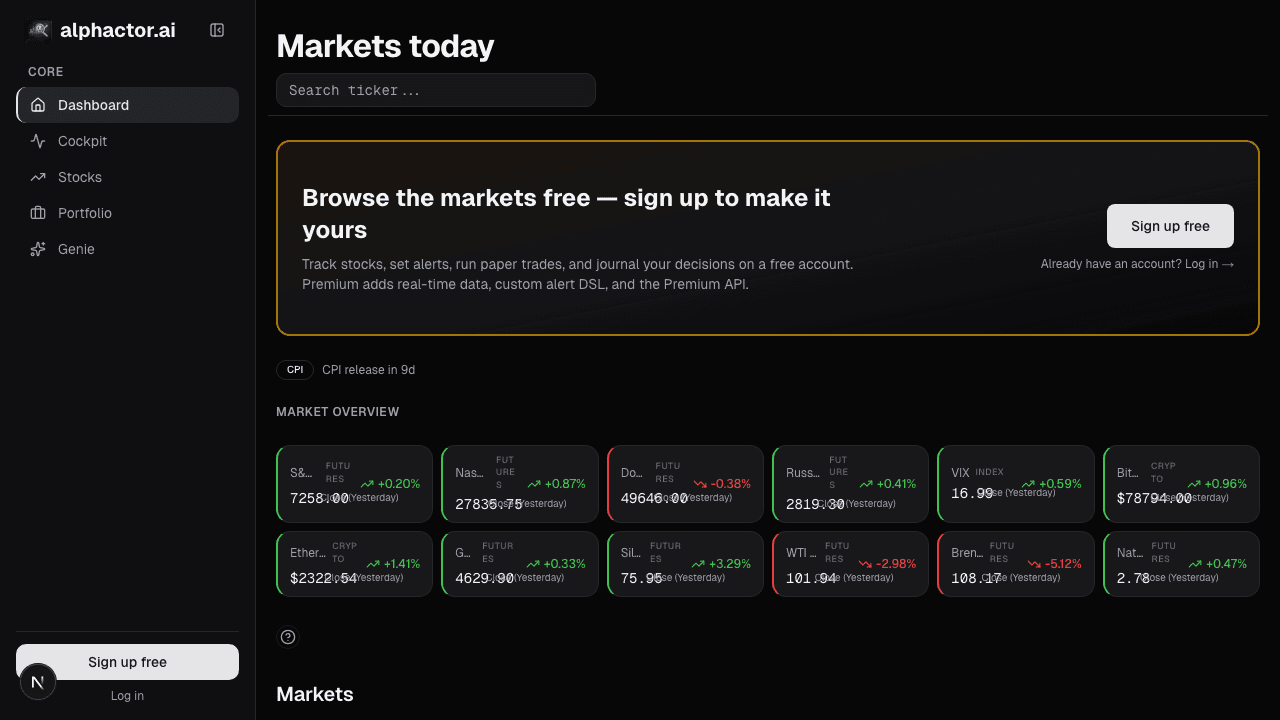
Rules with current matches pin to the top of the card. Rules with no current matches but recent history are visible below. Long-archived rules are collapsed behind a toggle so they don't compete for visual attention.
Rules that actually work
Three disciplines separate useful rules from noisy ones.
Fewer, deeper rules beat more, shallower ones. A single rule with three conditions, say "RSI < 30 AND 20-day relative strength > SPY AND insider buying in last 45 days", will outperform six one-condition rules nearly every time. The reason is that multi-condition rules are more selective, so when they fire, the signal-to-noise is higher. One-condition rules fire constantly and most fires are noise. The price of being more selective is fewer triggers; the benefit is that the triggers you do get are worth your attention.
Target 1–3 hits per week. That's the cadence that tends to be actionable for a discretionary investor doing deep-dive review. More than 3 hits per week and you can't process them thoughtfully; fewer than 1 per week and the rule isn't generating enough signal to keep alive. When a rule starts firing 10 times a week, it's too loose, tighten the thresholds or add a condition. When it hasn't fired in a month, ask whether the regime that made it work has ended.
Review hit rates monthly. Rules drift. A rule that worked beautifully in one regime (low volatility, trending market, clear sector rotation) often fails in a different regime (high volatility, choppy, broad-based risk-off). The User Signals card shows the trailing hit count; if a rule's hit rate has fallen 70% from its 6-month average, either the regime has changed or the rule has saturated. Either way, the rule deserves a review.
What to build rules on
The rules that have worked best for me combine platform signals that aren't correlated:
- Fundamental anchor + technical trigger. A fundamental condition (quality score above X, FCF yield above Y) that narrows to a small universe, with a technical trigger that times the entry (breakout, pullback).
- Sentiment inflection + insider activity. News sentiment rising and insider buying in the same window is a higher-conviction pair than either alone.
- Congressional cluster + options positioning. Multiple committee-relevant congressional trades plus unusual options flow in the same direction is a richer pattern than either source alone.
- Cockpit event + quality filter. A platform-generated event (e.g. unusual volume flag) filtered down to names that pass a fundamental quality bar, so you're not chasing low-quality momentum.
The common thread is combining *uncorrelated* signal sources. Two correlated signals in a rule is barely better than one; two uncorrelated signals multiply your signal-to-noise.
Example: a rule I ran in 2025
One rule I ran for most of 2025 combined: (1) relative-strength rank top decile vs. sector over trailing 60 days, (2) positive trailing-twelve-month free-cash-flow margin, (3) insider open-market buying in the past 30 days above a dollar threshold, (4) news sentiment score above the 60th percentile of trailing 6 months.
It fired about eight times across the year. Five of the eight triggers were names I ended up taking positions in; four of those five were net positive over the subsequent 90 days with an average return roughly 2× that of SPY over the same window. That doesn't make the rule "right", eight triggers is a tiny sample, and the win rate could have been luck. But it was actionable, produced defensible trade ideas, and gave me something concrete to compare future rule iterations against. That's the value of having the rule codified rather than living in my head as a vague "I like it when X and Y and Z."
Common mistakes
- Too many rules. If you have 20 rules, you have 0 rules. The attention to review them monthly doesn't exist.
- Single-condition rules. RSI < 30 alone is a classic. Everybody sees it. It doesn't produce edge.
- Never killing rules. Sunk-cost fallacy. If a rule hasn't fired in three months, retire it; if it's firing but the outcomes aren't tradeable, retire it harder.
- Building rules on backtested sample data without forward validation. A rule that backtested beautifully on 2020–2022 data may fail catastrophically in 2025. Let new rules sit in observe-only mode for 60–90 days before acting on them.
- Ignoring the archive. The old rules you killed are training data. When building a new rule, check whether any archived rule looked similar, and why it didn't work.
Where it fits
User Signals is where your custom rules live. Rules are defined in the Screener; triggers flow through to Recent Alerts alongside price/volume alerts; and triggered names worth ongoing tracking graduate to the Watchlist. Together those four surfaces form the scan → alert → watch pipeline.
FAQ
How many rules should I run?
Five to eight active rules is a good range for a discretionary trader. Each rule needs a thesis, a review cadence, and enough hit rate to stay memorable. More than ten and you can't review them thoughtfully.
How long does a rule take to be evaluable?
Depends on its firing rate. A rule that fires weekly is evaluable in a quarter; one that fires monthly needs a year or more. Low-firing rules have high variance in win rate; be patient before judging them.
Should I share rules with other traders?
You can, but the most durable rules tend to lose edge when they're widely adopted. The ones that survive sharing are usually the ones where the edge isn't in the rule itself but in the interpretation of what fires.
Can I trigger rules off congressional or lobbying data?
Yes, the rules engine supports conditions on any platform signal including congressional flow, lobbying spend, cockpit events, and conviction scores. The most interesting rules I've built combine these with market data.
What's the difference between a User Signal and a Trade Alert?
User Signals are rules defined in the screener that produce matches on your dashboard. Trade Alerts are user-configured notifications on specific events (price, ticker + keyword, congressional disclosure). Signals scan your universe; alerts fire on events within it.
Related reading
- Dashboard Recent Alerts
- Dashboard Market Signals
- Dashboard Movers & Unusual Volume
- Dashboard News Stream
Open the User Signals card → /app
See it in the app
Live dashboard views that match this post. Each tile deep-links to the exact card.
Related reading
Market Signals on the Dashboard: Macro Context in One Card
Every stock trade is partially a macro trade whether you want it to be or not. The Market Signals card condenses breadth, volatility, rates, and leadership…
Dashboard Movers: Catching Unusual Moves Before They're Old
Most platform movers lists are dangerous, they rank by % change alone, surfacing illiquid small-caps on meaningless volume.
Dashboard News: A Filtered Stream Across Your Holdings
Generic news feeds drown you in noise. The Dashboard News card filters by your holdings and ranks by sentiment impact: what's new, what matters, why.
The Prediction Heatmap
The prediction heatmap encodes probability shifts as color and saturation so you triage your whole watchlist in 30 seconds before opening a single chart.
Recent Alerts on the Dashboard: Your Rule Triggers
Alert fatigue is the silent killer of alert systems. The Recent Alerts card consolidates every rule-driven event into one stream you can triage in five…
Ready to try alphactor.ai?
Validate your trading strategies with statistical credibility testing. Start free.
Get Started Free