How to Export Your Research and Share It With Your Team
A guide to exporting stock research, portfolio data, and screening results from Alphactor for collaboration and record-keeping.
 Marcus Chen4 min read
Why Exporting Research Matters
Research locked in one platform has a shelf life. The moment you need to share a thesis with a partner or present to an investment club, you need data in a portable format. Alphactor supports exporting across its major features. Here is how to use each option.
Step 1: Export a Stock Research Summary
From any stock's detail page, click the Export button in the top toolbar. You will see several format options:
- PDF report: A formatted document with fundamentals, technical profile, conviction score breakdown, and any notes you have added. Best for sharing a quick overview.
- CSV data: Raw data tables for fundamentals, price history, and signals. Use this for further analysis in a spreadsheet.
- Link share: Generates a read-only link. The recipient does not need an Alphactor account, but they see a static snapshot, not live data.
Step 2: Export Screener Results
After running a screen, click Export above the results table. Options include:
- CSV: Downloads the full results table with all visible columns. This is useful for importing into a spreadsheet where you want to add your own scoring or notes.
- PDF summary: A formatted list of all stocks that passed the screen, including key metrics and conviction scores. Good for sharing with a research partner to divide the due diligence work.
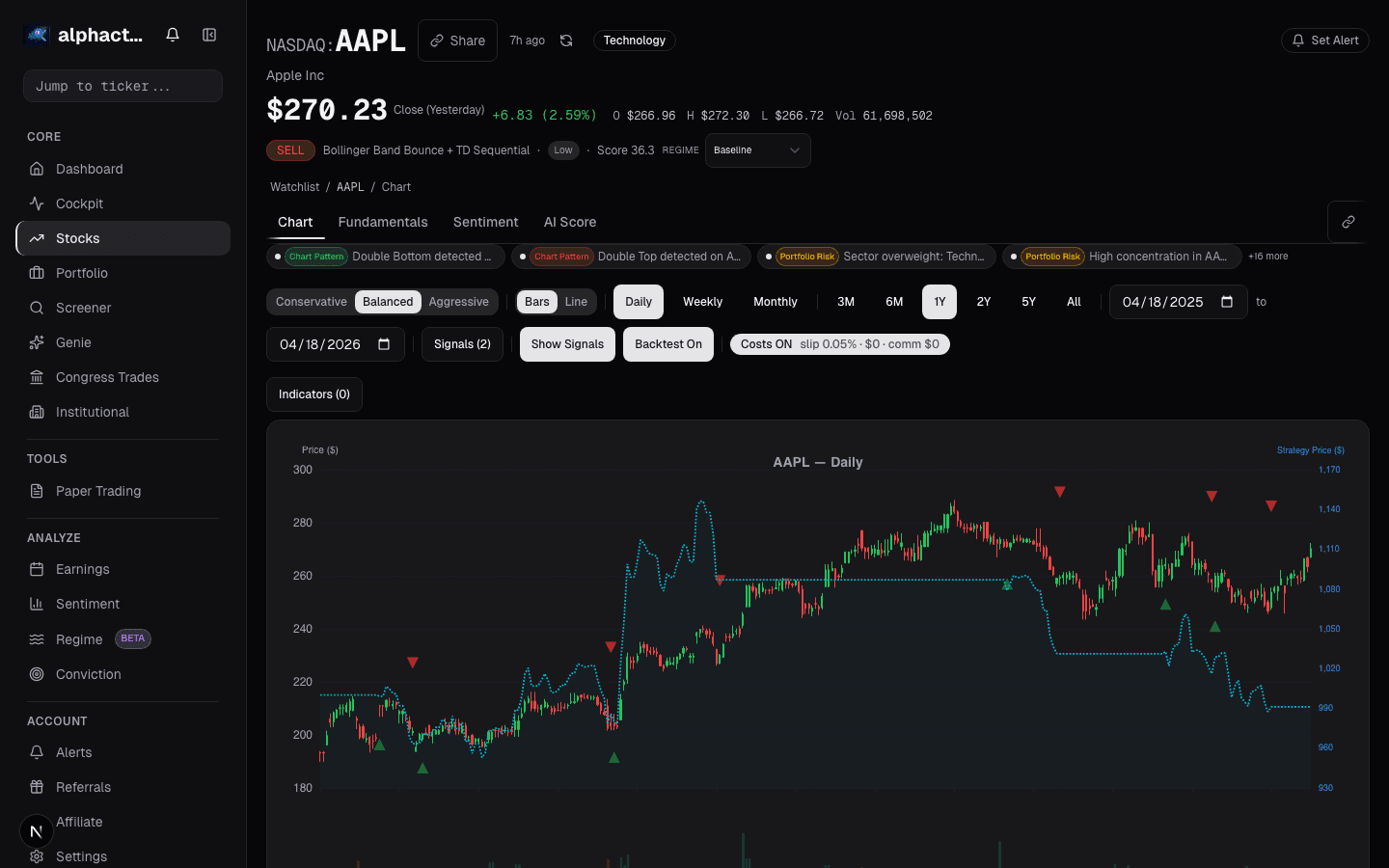
When exporting screener results, include your filter criteria in any message you send alongside the export. The results only make sense when the reader knows what parameters produced them. Alphactor includes the filter summary in the PDF export header, but not in the CSV.
Step 3: Export Portfolio Data
From the portfolio dashboard, click the Export button to download your portfolio data:
- Portfolio snapshot (PDF): Current positions with cost basis, gain/loss, conviction scores, and sector allocation. Use this for record-keeping or sharing with a financial advisor.
- Transaction history (CSV): A log of all position changes. Useful for tax preparation or performance attribution.
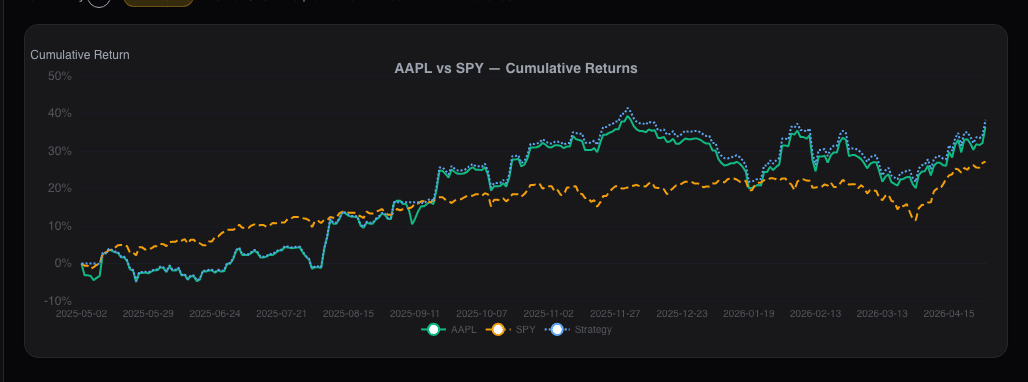
- Performance report (PDF): Time-weighted returns, benchmark comparison, drawdown chart, and risk metrics. Use this for investment club presentations.
Step 4: Export Comparison Reports
After using the stock comparison view, click Export Comparison to generate a report:
- PDF comparison: A two-column layout with all the metrics from the comparison view, including fundamentals, technicals, alternative data, and risk profiles. This is the most useful export for discussing a specific investment decision with a collaborator.
- CSV comparison: Raw data for both stocks in a single file with columns prefixed by ticker. Use this for custom analysis.
The comparison PDF is particularly effective for investment club meetings where you need to present the case for Stock A versus Stock B with supporting data.
Step 5: Share via Collaboration Features
Beyond file exports, Alphactor supports direct sharing within the platform:
- Shared watchlists: Create a watchlist and invite collaborators by email. All members can view the watchlist, and the creator can grant edit access for adding or removing tickers.
- Shared notes: Notes you add to any stock's detail page can be marked as shared, making them visible to your collaborators. This keeps research commentary attached to the relevant stock rather than scattered across email threads.
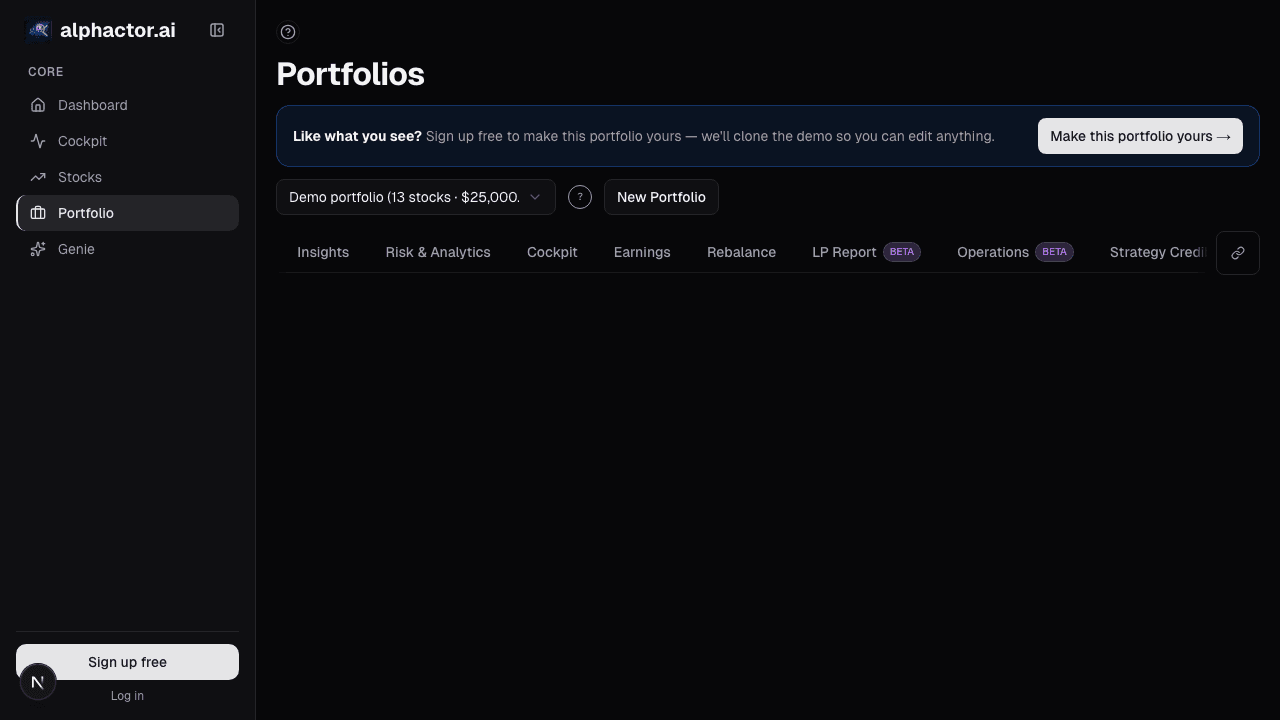
- Portfolio sharing: Share a read-only view of your portfolio with specific collaborators. They can see positions, allocations, and performance but cannot modify anything.
To manage sharing permissions, navigate to Settings > Collaboration and review who has access to your shared items.
Step 6: Build a Research Archive
Over time, your exported reports become a valuable archive of your investment research process. Here is a practical filing system:
- Create a folder structure organized by quarter: "Q3 2025 Research," "Q4 2025 Research"
- Save screener exports with the date and filter name: "2025-08-15-LargeCap-Value-Screen.csv"
- Save stock research PDFs when you make buy or sell decisions
This archive creates accountability -- you can review what you believed and why at any point in the past -- and is useful for tax preparation.
Practical Sharing Workflows
Investment club meeting prep: Export the top 10 screener results as a PDF and send it to members 48 hours before the meeting. Each member picks 2-3 stocks for deeper research. At the meeting, share individual stock research PDFs for the names that made the cut.
Financial advisor update: Export your portfolio snapshot and performance report at quarter-end. Send both with a brief note on changes you made and why.
Research partner workflow: Use shared watchlists for your joint pipeline. When one partner finishes analyzing a stock, they add shared notes on the detail page. The other partner reviews and adds their perspective. Export the comparison report for your records when you reach a decision.
Keep It Simple
The export features support your process -- they should not become the process. A monthly portfolio snapshot and an export per investment decision is enough for most individual investors. Start free to begin building your research archive.
See it in the app
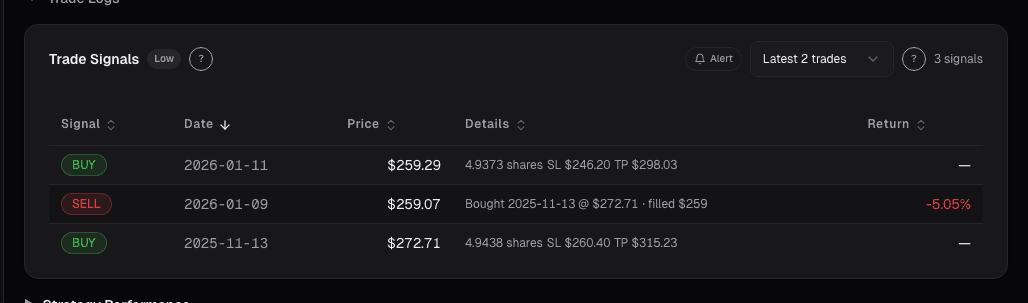
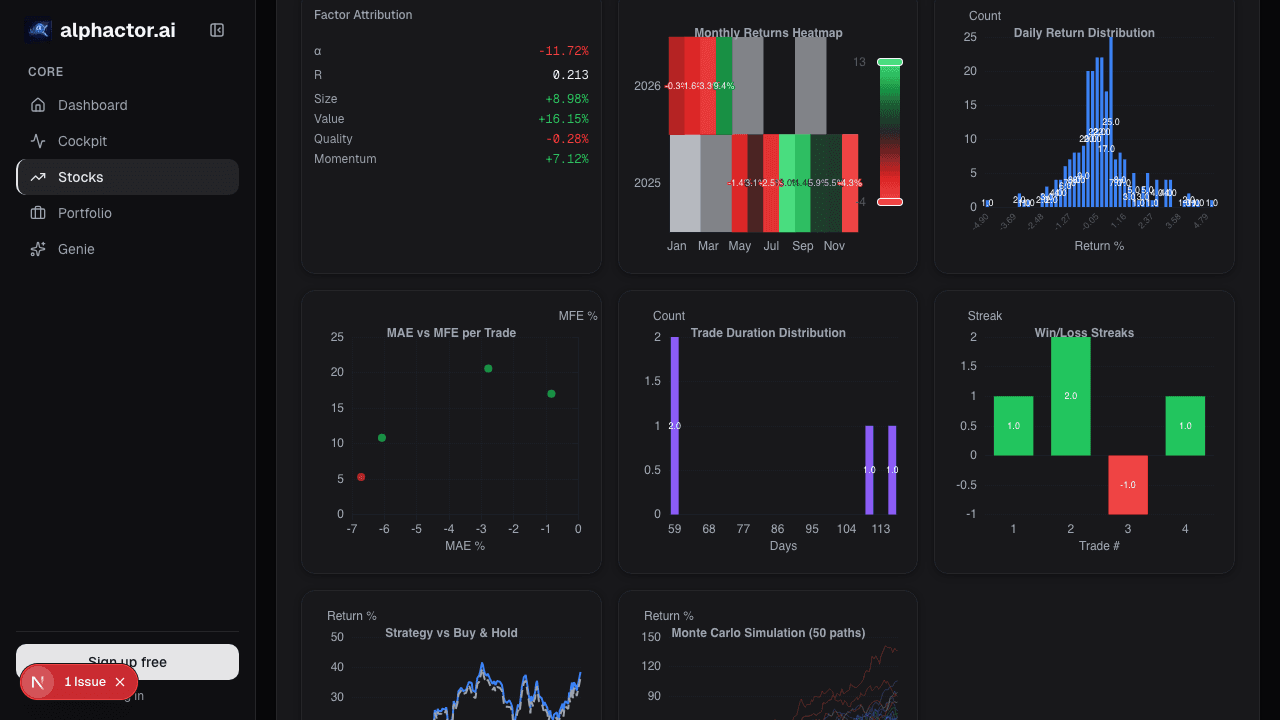
Live dashboard views that match this post. Each tile deep-links to the exact card.
Stocks mentioned
Related reading
The 10-Minute Daily Stock Research Workflow
A structured daily routine for checking your portfolio, reviewing signals, and identifying new opportunities in under ten minutes.
How to Analyze a Company Before Earnings in 15 Minutes
A 15-minute pre-earnings checklist covering guidance revisions, balance sheet flags, and estimate dispersion using Alphactor tools: no deep-dive report needed.
How to Build Your First Portfolio: A Step-by-Step Guide
A practical walkthrough of creating and managing your first portfolio in Alphactor, from adding positions to tracking performance.
How to Paper Trade Without Fooling Yourself
How to use paper trading in Alphactor to test strategies honestly, avoid common self-deception traps, and build confidence before risking real capital.
What Is a Stock Universe and How Smart Investors Use One
How defining a stock universe sharpens your research process, reduces noise, and helps you focus on opportunities that match your strategy.
Ready to try alphactor.ai?
Validate your trading strategies with statistical credibility testing. Start free.
Get Started Free