How to Build Your First Portfolio: A Step-by-Step Guide
A practical walkthrough of creating and managing your first portfolio in Alphactor, from adding positions to tracking performance.
 Marcus Chen4 min read
Why a Tracked Portfolio Beats a Spreadsheet
Many self-directed investors track their holdings in a spreadsheet or rely on their brokerage's basic portfolio view. Both approaches fail in the same way: they show you what you own without helping you understand how your positions interact, where your risk is concentrated, or whether your original thesis for each holding is still intact.
The portfolio dashboard gives you a structured view of your positions with analytics layered on top. Here is how to build your first one from scratch.
Step 1: Create a New Portfolio
From the main sidebar, click Portfolio. If you have not created one yet, you will see a prompt to get started. Click New Portfolio and give it a name that reflects its purpose: "Long-Term Core," "Growth Satellite," "Dividend Income," or whatever matches your strategy.
You can create multiple portfolios to separate different strategies or accounts. Keep it simple at first -- one portfolio is enough to learn the workflow.
Step 2: Add Your Positions
Click Add Position and enter the details for each stock you hold:
- Ticker: search by symbol or company name
- Shares: the number of shares you own
- Cost basis: your average purchase price per share
- Date acquired: when you bought (or the earliest purchase date for positions you built over time)
If you hold positions across multiple accounts, you can enter the combined total or create separate portfolios per account. The cost basis should be your blended average if you bought in multiple lots.
Repeat for each position. Most investors hold between 10 and 30 individual stocks. If you hold more than 40, that may be a sign of insufficient conviction or a reluctance to sell -- something to think about.
Step 3: Review the Portfolio Dashboard
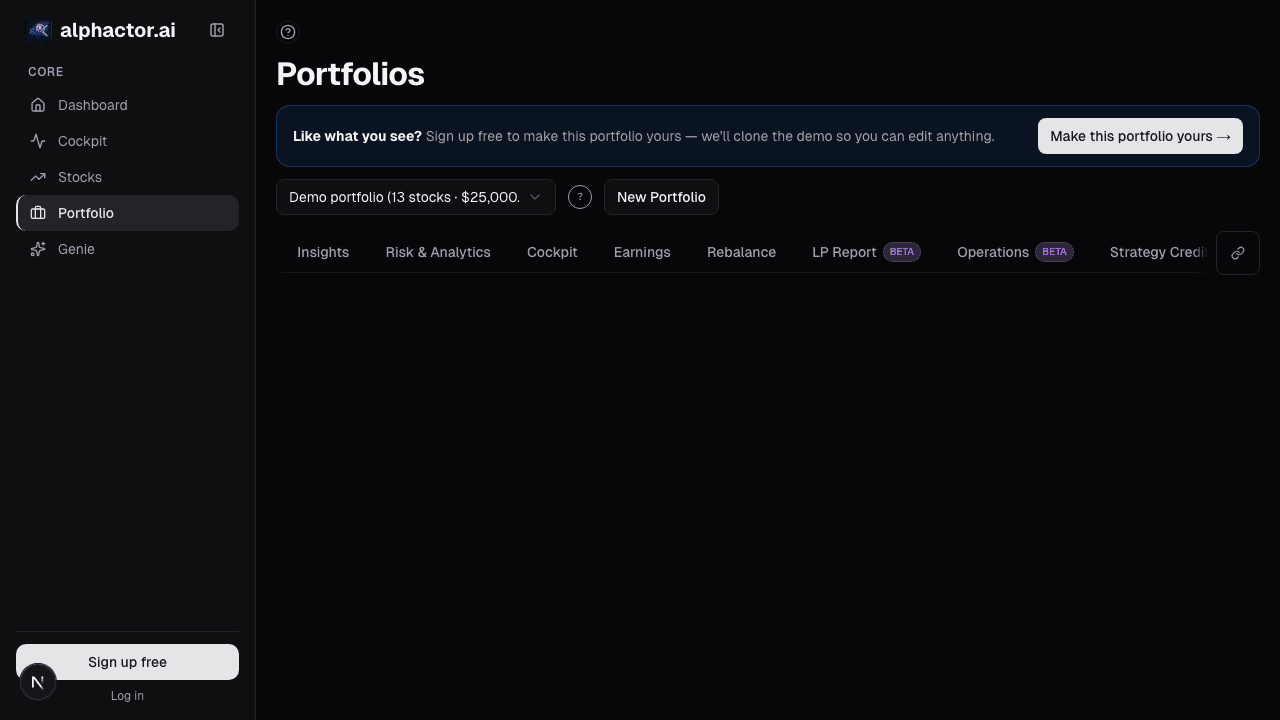
Once your positions are entered, the portfolio dashboard shows:
- Total value and daily change: your portfolio's current market value and how it moved today
- Position breakdown: each holding with current value, weight, gain/loss, and conviction score
- Sector allocation: a visual breakdown of where your capital is concentrated
- Risk metrics: volatility, beta, and correlation data across your holdings
Scan the sector allocation first. Many investors discover they are far more concentrated than they realized. If 60% of your portfolio is in technology, that is a conscious decision worth validating, not an accident to ignore.
Step 4: Check for Overlap and Correlation
Two stocks in different sectors can still be highly correlated. The portfolio analytics panel shows correlation data between your holdings. Look for:
- High positive correlation (above 0.7) between large positions: these move together, amplifying both gains and losses
- Negative or low correlation pairs: these provide genuine diversification
- Unexpected correlations: a tech stock and a consumer stock that move in lockstep because they share the same revenue driver
If three of your top five positions are highly correlated, a single market event could impact the majority of your portfolio simultaneously. Consider whether that concentration is intentional.
Step 5: Set Position-Level Notes and Targets
For each position, click into the detail view and add:
- Your thesis: one to two sentences on why you own this stock
- Price target: the valuation level where you would consider selling
- Stop-loss level: the price where you would re-evaluate or exit
- Key risks: what would invalidate your thesis
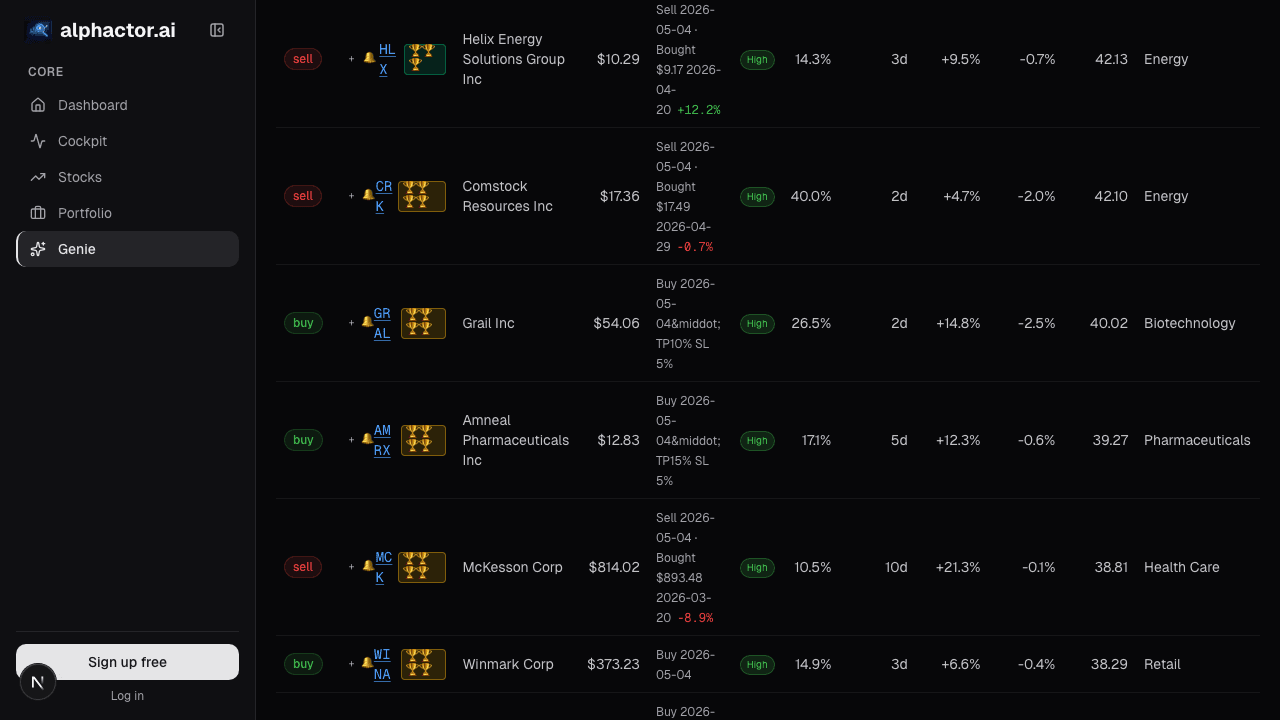
This is the most valuable part of the portfolio page and the most often skipped. Writing down your thesis at the time of purchase creates accountability. Three months from now, when the stock is down 15% and you cannot remember why you bought it, these notes are the difference between a reasoned hold decision and a hope-based one.
Step 6: Enable Portfolio-Wide Alerts
Once your positions are entered, set up alerts to stay informed without obsessively checking:
- Navigate to trade alerts from the sidebar
- Enable Portfolio alerts: earnings approaching, significant conviction score changes, and stop-loss breaches
- Configure delivery preferences for each alert type
Portfolio-wide alerts apply automatically to every position, so you do not need to configure individual alerts per stock unless you want different thresholds for specific holdings.
Step 7: Review Weekly, Rebalance Quarterly
A portfolio is not a set-it-and-forget-it tool. Establish a review cadence:
Weekly: Check the dashboard for any position that moved more than 10% or triggered an alert. Read the conviction score changes. Decide if any position warrants deeper research this week.
Quarterly: Review each position against your original thesis. Has anything changed in the business, the valuation, or the competitive landscape? Trim winners that have grown beyond your target weight. Cut losers where the thesis has broken. Add to positions where conviction has increased and valuation is still attractive.
Start Simple, Iterate
Your first portfolio does not need to be perfect. Enter your positions, review the analytics, and write your theses. The value compounds over time as you build a record of your decisions and their outcomes. Six months of tracked portfolio management teaches you more about your investing strengths and blind spots than six months of reading about investing ever could.
See it in the app
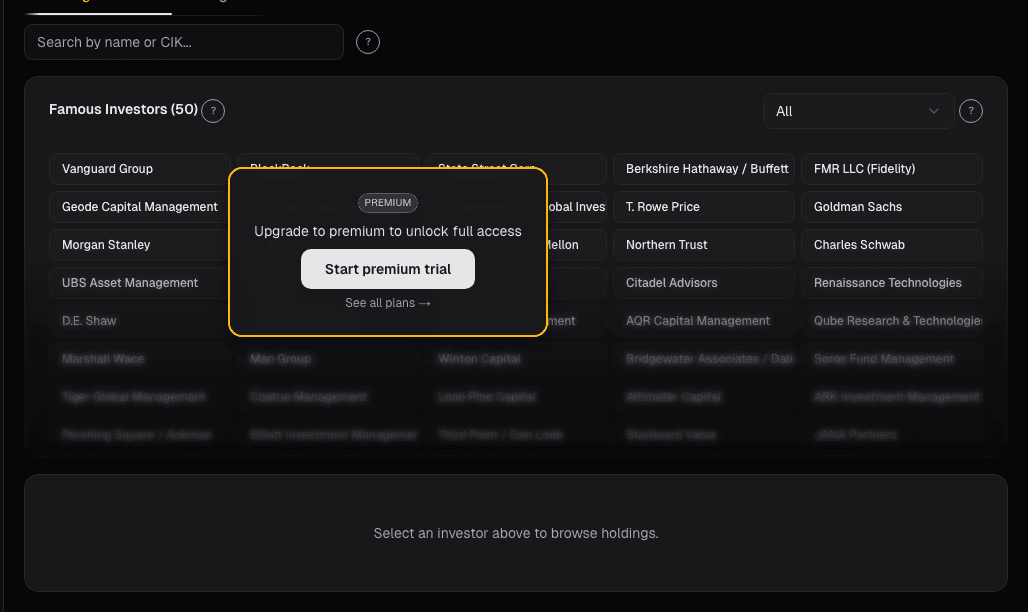
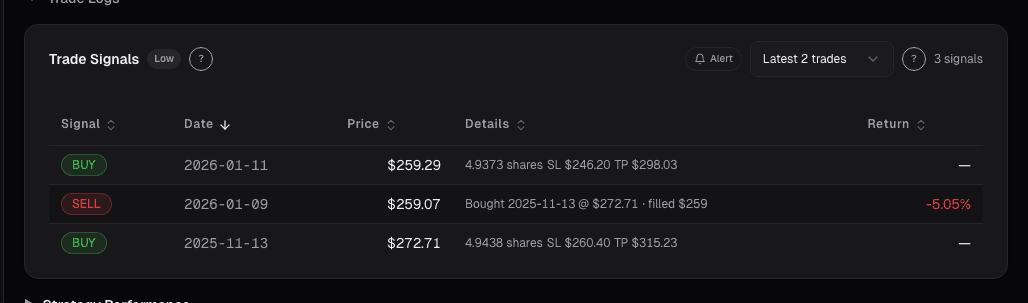
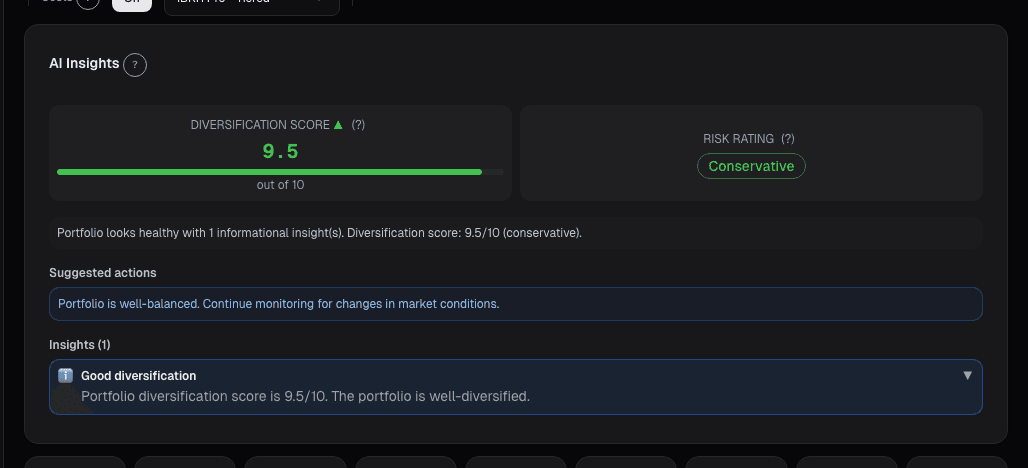
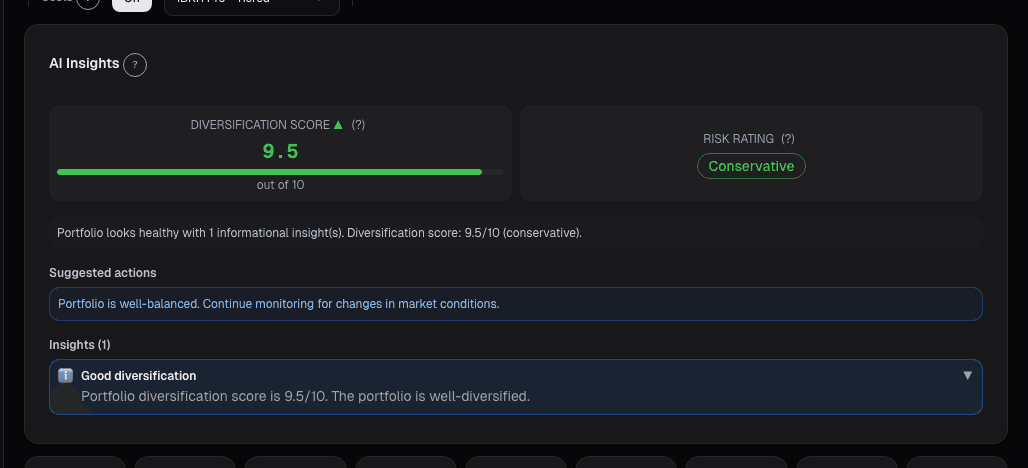
Live dashboard views that match this post. Each tile deep-links to the exact card.
Related reading
Choosing the Right Benchmark (Hint
Why benchmarking against the wrong index distorts your performance assessment and how to select a benchmark that matches your actual portfolio.
How to Export Your Research and Share It With Your Team
A guide to exporting stock research, portfolio data, and screening results from Alphactor for collaboration and record-keeping.
How to Set Up Trade Alerts That Actually Tell You What to Do
Most alert systems create noise you ignore within a week. This guide sets Alphactor alerts around strategy conditions so each notification stays worth reading.
Alt-Data Sentiment at the Portfolio Level
Per-ticker alt-data breaks down past 10 positions. A roll-up of WSB, news, MSPR, and options lets a 90-second scan replace 100 minutes of manual checking.
Portfolio Attribution: Where Your Returns Actually Come From
Beating the benchmark by 400bps feels good until attribution tells you it was all allocation luck on one sector call. Selection vs. allocation vs.
Portfolio Audit Trail: Every Decision
Regulated managers need an audit trail. The Audit Trail card on alphactor.ai records every trade, rebalance, alert, and note into one timestamped log you…
Ready to try alphactor.ai?
Validate your trading strategies with statistical credibility testing. Start free.
Get Started Free