How to Set Up Trade Alerts That Actually Tell You What to Do
Most alert systems create noise you ignore within a week. This guide sets Alphactor alerts around strategy conditions so each notification stays worth reading.
 Marcus Chen4 min read
The Alert Fatigue Problem
Most stock alert systems are glorified price notifications. Stock X hit $150. Stock Y is down 3%. After a week of these, you start ignoring them. The problem is not the alerts -- it is that they tell you what happened without telling you what it means or what to do next.
Alphactor's alert system is built around actionable triggers tied to your specific strategies and portfolio positions. Here is how to set them up so they stay useful.
Step 1: Define What Deserves Your Attention
Before you configure anything, write down the three to five scenarios where you would actually want to act. These are your alert-worthy events. Examples:
- A stock in my portfolio drops below my stop-loss level
- A screener match appears that was not there yesterday
- The conviction score on a position changes significantly
- A 13F filing shows a major fund buying or selling a name I hold
- Earnings are in 7 days for a stock I am tracking
If you cannot articulate what you would do when the alert fires, you do not need the alert.
Step 2: Set Up Price-Based Alerts
Navigate to any stock's detail page and click the bell icon to open the alert configuration panel. For price alerts:
- Choose the Price trigger type
- Set the condition: crosses above, crosses below, or moves more than X% in a day
- Enter your target value
- Select the delivery channel: in-app notification, email, or both
Tie each price alert to a specific decision. If you set an alert at $120, write a note in the alert description: "Below my cost basis -- evaluate adding to position" or "Hit stop-loss -- review thesis for sell decision." Future you will appreciate the context.
Step 3: Set Up Strategy and Signal Alerts
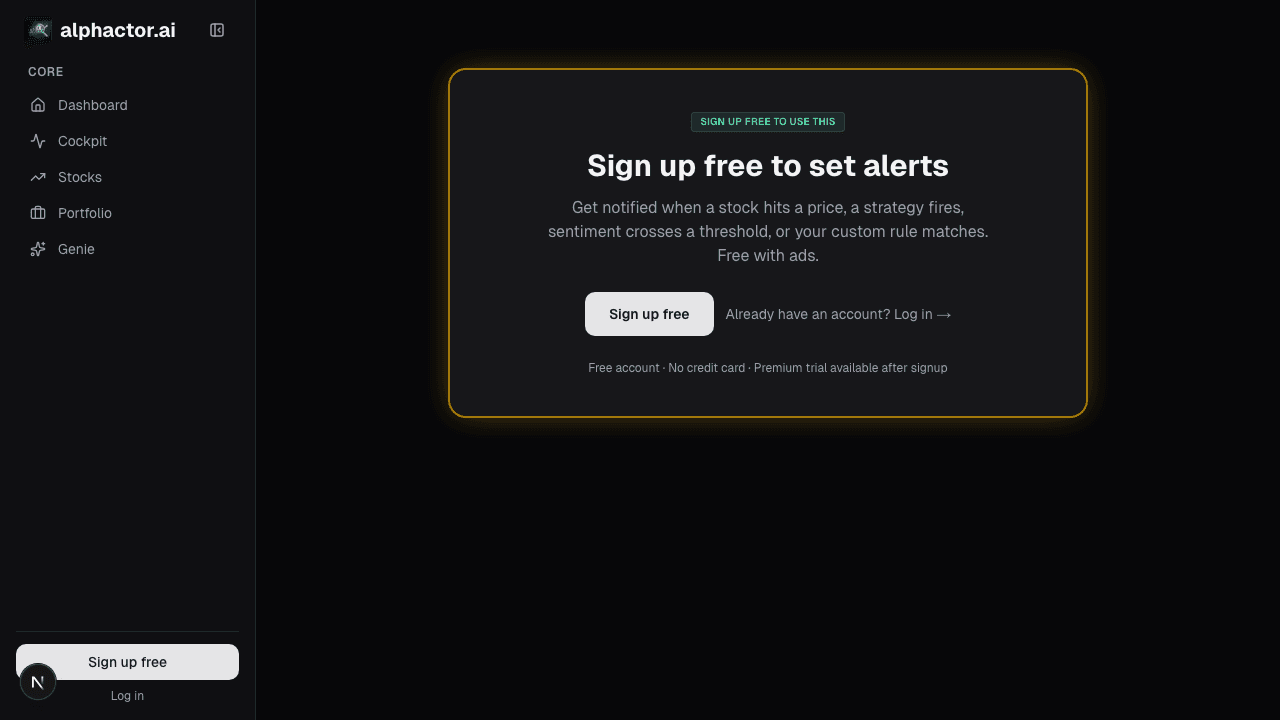
This is where Alphactor's alerts pull ahead of basic price notifications. From the trade alerts page in the sidebar:
- Click New Alert
- Choose the Signal trigger type
- Select the signal source: conviction score change, screener match, technical indicator crossover, or strategy entry/exit signal
- Define the threshold (e.g., conviction score drops below 40, new RSI oversold signal)
- Attach it to specific tickers or apply it across your entire portfolio
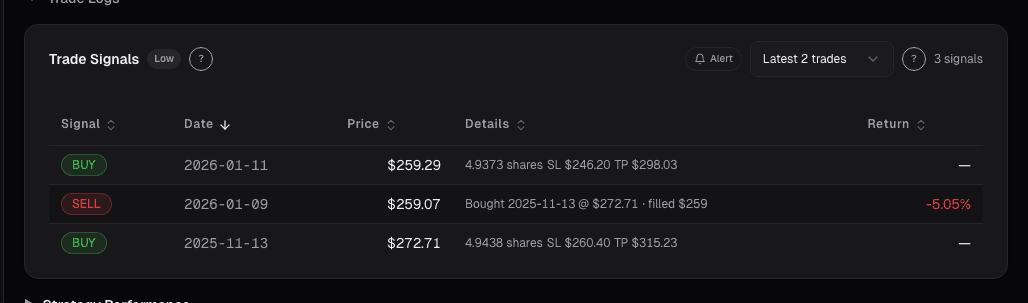
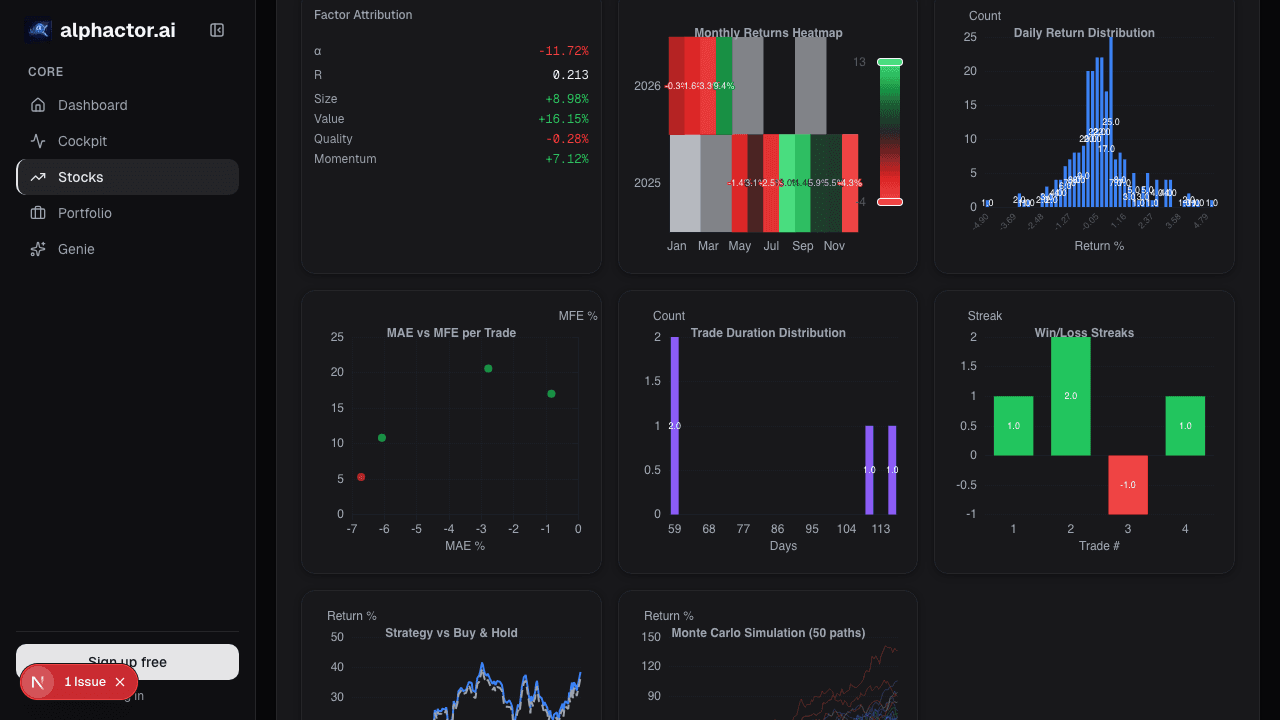
Strategy alerts fire when your own backtested strategies generate entry or exit signals on current data. If you have built and validated a mean-reversion strategy in the Alphactor backtesting module, you can set an alert that notifies you whenever that strategy flags a new trade on any stock in your universe.
Step 4: Set Up Event-Based Alerts
Event alerts notify you about external catalysts:
- From the Alerts page, click New Alert
- Choose the Event trigger type
- Select from: earnings date approaching, 13F filing detected, congressional trade reported, unusual volume spike, or dividend announcement
- Choose the tickers or apply portfolio-wide
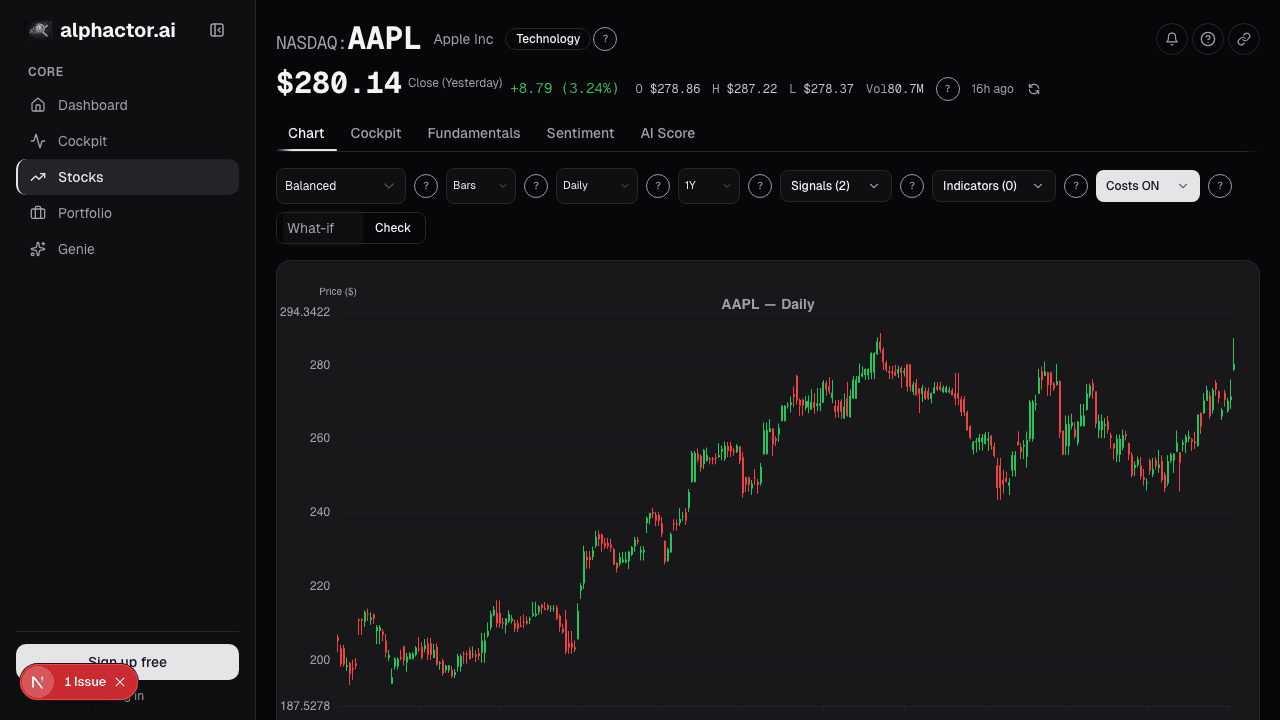
The earnings approaching alert is particularly useful. Set it to fire 7 days before earnings for every stock in your portfolio. That gives you a full week to review the position, decide whether to hold through earnings, and adjust position size if needed.
Step 5: Set Quiet Hours and Priority Levels
Alert fatigue kills even well-designed systems. Protect yourself:
- In Alert Settings, set quiet hours for times you will not trade (nights, weekends if you prefer)
- Assign priority levels: High for stop-loss and strategy signals, Medium for event notifications, Low for informational updates
- Configure delivery by priority: High alerts get email and push, Medium gets in-app only, Low gets batched into a daily digest
This layering ensures your phone buzzes only when something requires immediate attention.
Step 6: Review and Prune Monthly
Set a monthly calendar reminder to audit your alerts:
- Which alerts fired in the last 30 days?
- Which ones did you act on?
- Which ones did you dismiss without reading?
Delete every alert you consistently ignore. Add new ones for scenarios that caught you off guard. A tight set of 10-15 focused alerts beats 50 that you have been trained to swipe away.
What Good Alerts Look Like in Practice
A well-configured alert setup for a portfolio of 15 stocks might include:
- Stop-loss alerts on every position (5-8 alerts)
- Earnings approaching alerts on every position (automatic, portfolio-wide)
- Two screener-match alerts for your saved value and growth screens
- One 13F alert for institutional activity on your top 5 holdings
- One congressional trade alert filtered to the sectors you invest in
That is roughly 12-15 alerts, each tied to a specific action. No noise. When your phone buzzes, you know it matters. Start free to configure your first alerts.
See it in the app
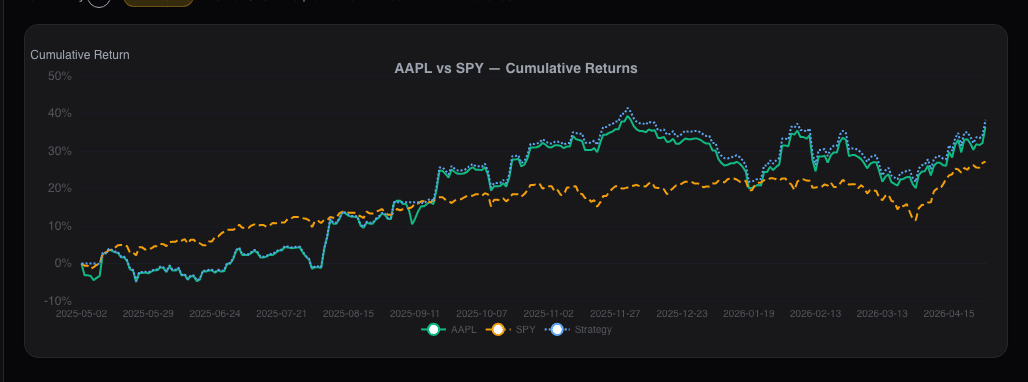
Live dashboard views that match this post. Each tile deep-links to the exact card.
Stocks mentioned
Related reading
Recent Alerts on the Dashboard: Your Rule Triggers
Alert fatigue is the silent killer of alert systems. The Recent Alerts card consolidates every rule-driven event into one stream you can triage in five…
How to Build Your First Portfolio: A Step-by-Step Guide
A practical walkthrough of creating and managing your first portfolio in Alphactor, from adding positions to tracking performance.
Alt-Data Sentiment at the Portfolio Level
Per-ticker alt-data breaks down past 10 positions. A roll-up of WSB, news, MSPR, and options lets a 90-second scan replace 100 minutes of manual checking.
Portfolio Attribution: Where Your Returns Actually Come From
Beating the benchmark by 400bps feels good until attribution tells you it was all allocation luck on one sector call. Selection vs. allocation vs.
Price Alerts That Fire at the Right Time: Not Every Time
Generic price alerts fire on ticks that revert. Close-based triggers and ATR-normalized distance cut daily alert count from 14 to 2 that actually matter.
Ready to try alphactor.ai?
Validate your trading strategies with statistical credibility testing. Start free.
Get Started Free