Watchlist on the Dashboard
Your watchlist should be a live tape, not a to-do list. The Watchlist card on the dashboard pulls price, sentiment, signals, and alerts into one per-row…
 Marcus Chen6 min read
I asked a friend last year how many names were on his watchlist. He pulled up his brokerage app: 142. I asked him how many of those names he'd looked at in the past week. Nine. The other 133 were a graveyard of "I meant to research that." That watchlist wasn't a tool; it was a guilt list. It added nothing to his decision-making and actively obscured the names he was actually tracking behind a wall of neglected tickers.
The useful version of a watchlist is small, augmented with per-name context, and pruned regularly. This post is about what a good watchlist grid should display, how to keep it from bloating, and why your watchlist and your portfolio should live on separate surfaces.
TL;DR
- A watchlist is a live tape, not a to-do list. If you aren't scanning it at least daily, it isn't a watchlist, it's a Pinterest board for stocks.
- Cap the count hard. Twelve names you really follow beat eighty you vaguely track.
- Augment with context. Price alone is pointless; sentiment, signals, conviction, and alert state are what make a row actionable.
- Prune on inactivity. Any name that hasn't generated a flag in six weeks is off the list until it earns its spot back.
- Keep watchlist and portfolio separate. Holdings already have attention; the watchlist is for next-up candidates.
Watchlists aren't static
A watchlist that never changes is basically a personal ETF. It has some names in it, it tells you how they're doing, and it generates precisely zero new information once you've seen yesterday's closes. The point of an active watchlist is the opposite: the list should *turn over* as some names promote to positions and others drop for going stale.
The turnover discipline is the hard part. Adding names is easy, you read an article, you scan a screener, you think "I'll watch this." Removing names requires an active admission that something you once thought interesting has stopped being interesting. Most people skip that step, which is why the typical retail watchlist has the half-life of a plastic bag.
What the Watchlist card shows
The Watchlist card on the dashboard displays each tracked ticker as a row with:
- Current price and intraday % change: the baseline you'd see anywhere
- 5-day momentum Z-score: standardized so a 2.5 on NVDA means the same thing as a 2.5 on KO
- Composite sentiment score: news, options positioning, and social rolled into a single 0–100 value
- Active signal state: whether any of your Trade Alerts or Price Alerts are currently triggered
- Conviction score: from the Conviction Gauge, a composite of fundamental quality + technical trend + crowding
Rows with any attention flag (triggered alert, sentiment inflection, or signal state change) pin to the top. Stale rows, no flags, low score change, no recent news, sink to the bottom so they don't burn your visual budget.
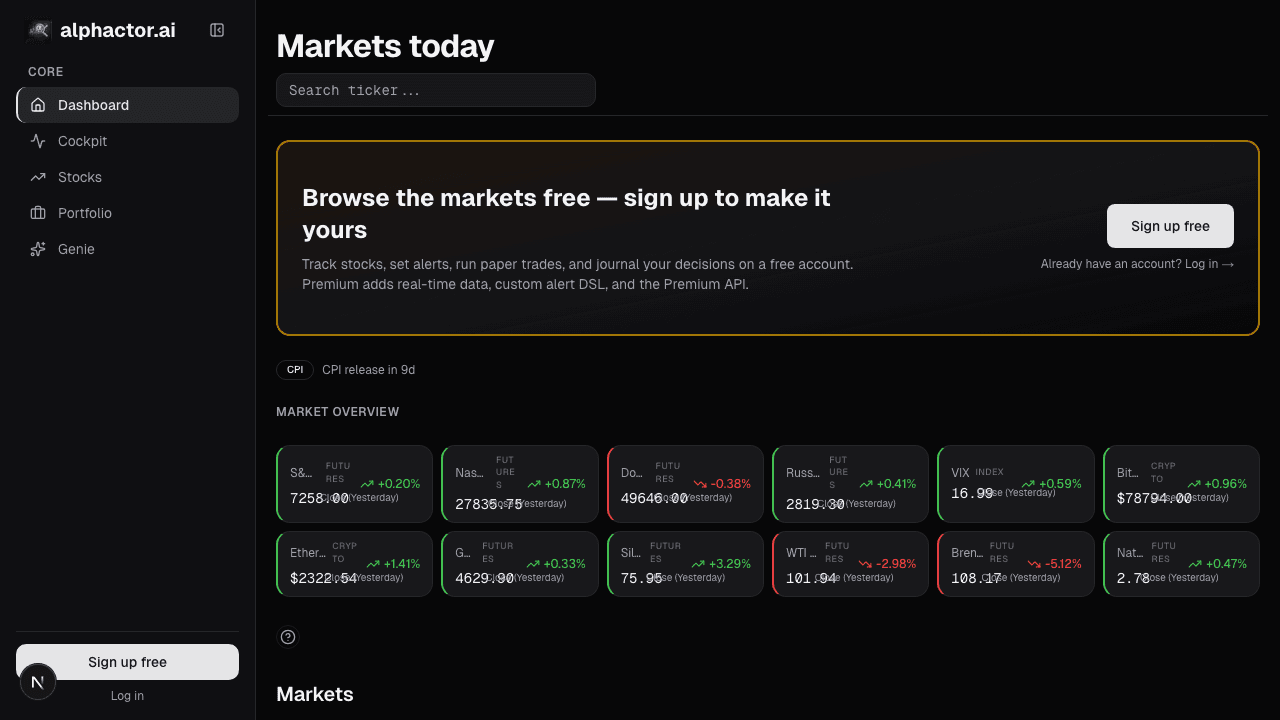
Three rules that keep a watchlist working
Cap the count. Twelve is a good default. Twenty is the absolute upper bound. If you have more than twenty, you're not following them, you're maintaining a list. A capped watchlist forces prioritization: to add a new name, you have to remove an existing one.
Prune on inactivity. Review the list every six weeks with one question per row: "has anything happened here?" If the answer is no, no signal, no sentiment swing, no news, no conviction-score change, the name comes off. It can come back later if the thesis resurfaces; the point is that the list stays composed of names with active theses, not theses you had in 2023.
Separate watchlist from portfolio. Holdings have built-in attention because you own them; they show up in your portfolio review whether or not they're on a watchlist. The watchlist is for next-up candidates, names you're considering but haven't acted on. Mixing the two diffuses both. A good heuristic: a name graduates from watchlist to portfolio the moment it becomes a position, and at that point it comes off the watchlist.
How to structure your watchlist
The twelve slots on a capped watchlist should have an intentional structure. A pattern I've used for years:
- 4 core-thesis names. Stocks where I have a durable, multi-month thesis and am waiting for a better entry or a catalyst.
- 4 trade candidates. Shorter-term setups, earnings plays, technical breakouts, sentiment inflections, that I'd act on in days to weeks.
- 2 pair legs. Long/short paired bets where I'm tracking both sides.
- 2 wildcards. High-variance names I'm watching for education or for optionality. This is where speculative names live.
The ratio matters less than having one. Undifferentiated watchlists are almost always too long, because the mental rule for "should this come off" is hard to apply when the rule for "why is it on in the first place" is vague.
Example: my watchlist Monday
A typical Monday morning: my twelve-row watchlist shows two rows pinned at the top. One is GOOG with a sentiment inflection flag, news score jumped from 48 to 72 over the weekend on an AI announcement. One is OKLO with a trade-alert trigger from a price breakout above its 50-day high on above-average volume. Ten other rows are quiet.
That tells me exactly where to spend my first 30 minutes: read the GOOG coverage to decide whether the sentiment swing is durable or a single-story pop; check OKLO's volume profile and decide whether the breakout warrants a starter position. The other ten rows I can skim in 60 seconds, all quiet, nothing to do. If all twelve had been pinned, the card would have been useless; if none had, I'd have nothing to act on.
Common mistakes
- Using the watchlist as a memory dump. If you add every name you read about, the signal disappears. Make the add-bar high.
- Never pruning. Stale names drown active ones. The pruning discipline is 80% of the tool's value.
- Letting holdings stay on the watchlist. Once it's a position, it lives in the portfolio surface. Otherwise the watchlist becomes 50% redundant with your book.
- Using price as the only context. A watchlist where each row shows just price and change is barely better than a CNBC ticker tape. Pull in sentiment, signals, conviction.
- Ignoring the pinning. The top-pinned rows are where the information is. If you're scrolling past them to check your favorite ticker's price, you're missing the point.
Where it fits in the rest of the dashboard
The watchlist pairs with Prediction Heatmap (day-ahead directional bias across your names), Movers (what's leading or lagging today), and Recent Alerts (event log of what just fired). Together those four cards are the dashboard's "scan" surface. Drill into any single name from the watchlist and you land on the full ticker stack: chart, sentiment, fundamentals.
FAQ
How often should I review the watchlist?
Daily scan, weekly prune-check, six-week audit. The daily scan takes under two minutes because pinned rows surface what matters. The weekly prune-check is where I decide if anything needs to go; the six-week audit is a more deliberate review of the thesis on each remaining name.
What's the right size?
Twelve is my default. If you're more active, you can run sixteen; if you're less active or running a concentrated book, eight is fine. The invariant is that you should be able to describe the thesis on every name without checking your notes.
Should I track indexes or ETFs on the watchlist?
Usually not. Indexes belong on the Market Signals card; that's their natural home. The watchlist is for idiosyncratic single-name bets where your edge is company-specific.
What if I have too many good ideas?
You don't. You have too many names that look interesting on first glance. The way to find out which ones are actually good is to force yourself to rank, if a new name is going on, another has to come off, and you have to explain to yourself which existing name was weaker. That comparison is where real prioritization happens.
Can I share a watchlist?
Not directly from the card today. The workaround is to export your list (ticker + thesis note) and share the CSV. Most users don't want their live lists public anyway, the value is in the discipline of maintenance, not the composition of the list.
Related reading
- Dashboard Market Signals
- Dashboard Movers & Unusual Volume
- Dashboard News Stream
- Dashboard Prediction Heatmap
Open the Watchlist card → /app
See it in the app
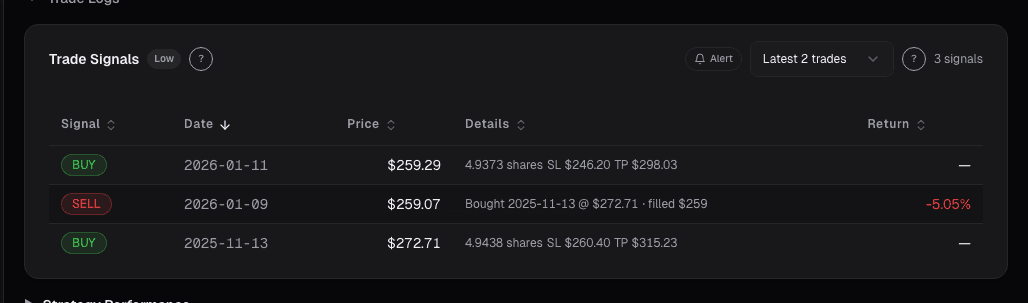
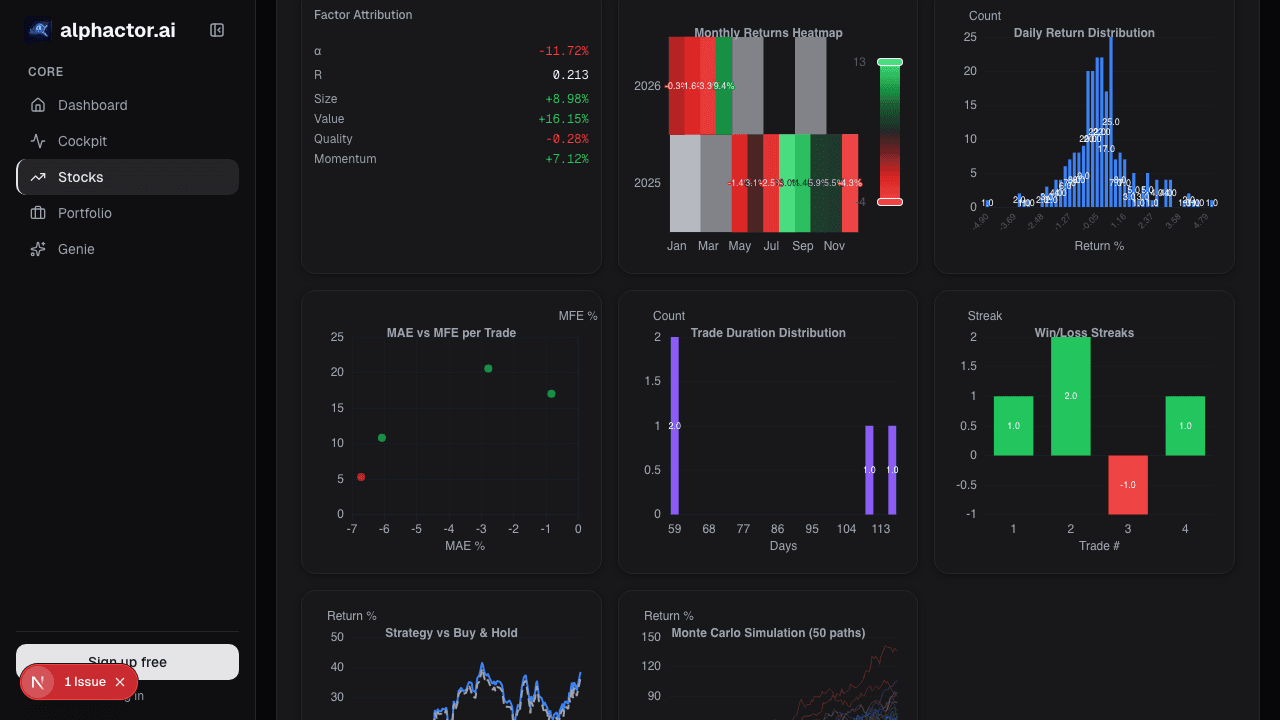
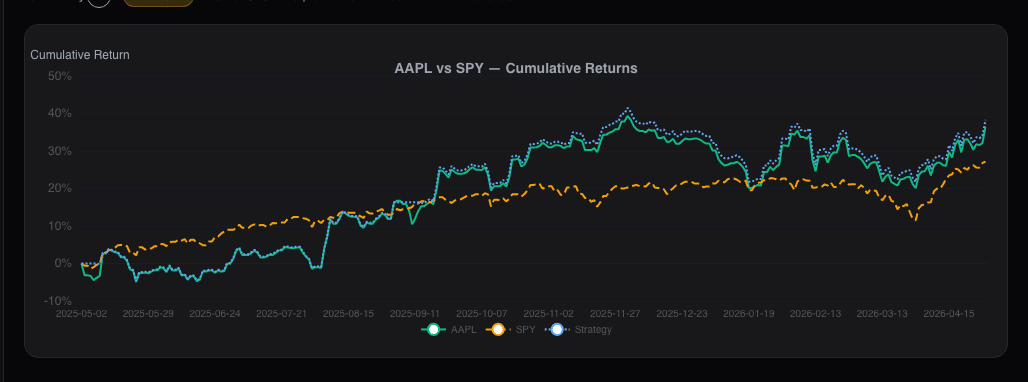
Live dashboard views that match this post. Each tile deep-links to the exact card.
Stocks mentioned
Related reading
How to Build a Watchlist That Beats the Headlines
A practical approach to screening stocks, defining what criteria actually matter, and avoiding the FOMO trap of chasing news-driven momentum.
Market Signals on the Dashboard: Macro Context in One Card
Every stock trade is partially a macro trade whether you want it to be or not. The Market Signals card condenses breadth, volatility, rates, and leadership…
Dashboard Movers: Catching Unusual Moves Before They're Old
Most platform movers lists are dangerous, they rank by % change alone, surfacing illiquid small-caps on meaningless volume.
Dashboard News: A Filtered Stream Across Your Holdings
Generic news feeds drown you in noise. The Dashboard News card filters by your holdings and ranks by sentiment impact: what's new, what matters, why.
The Prediction Heatmap
The prediction heatmap encodes probability shifts as color and saturation so you triage your whole watchlist in 30 seconds before opening a single chart.
Turn Your Watchlist Into an Active Research System
A passive watchlist wastes your time. Learn how to turn yours into a system that surfaces actionable intelligence on the stocks you care about.
Ready to try alphactor.ai?
Validate your trading strategies with statistical credibility testing. Start free.
Get Started Free